Video · Prior auth & denials
From a missing note to a complete prior auth
EnsureCare checks payer rules before a knee MRI, asks the ordering clinician for the missing physical therapy notes, and submits a complete package.
Transcript
- A scheduled MRI isn’t yet an approved one. Meet James. His knee MRI is Monday, but the PT notes the payer requires are missing.
- EnsureCare’s AI agent to prevent denied claims checks the payer’s rules.
- It sends one request to Doctor Lee in the EHR. The PT notes are added, and the prior-auth package is complete.
- EnsureCare submits it in the payer’s format, with the evidence attached.
- Next, EnsureCare tracks the payer’s decision.
- Visit ensurecare.ai to learn more.
More to watch
Browse all videos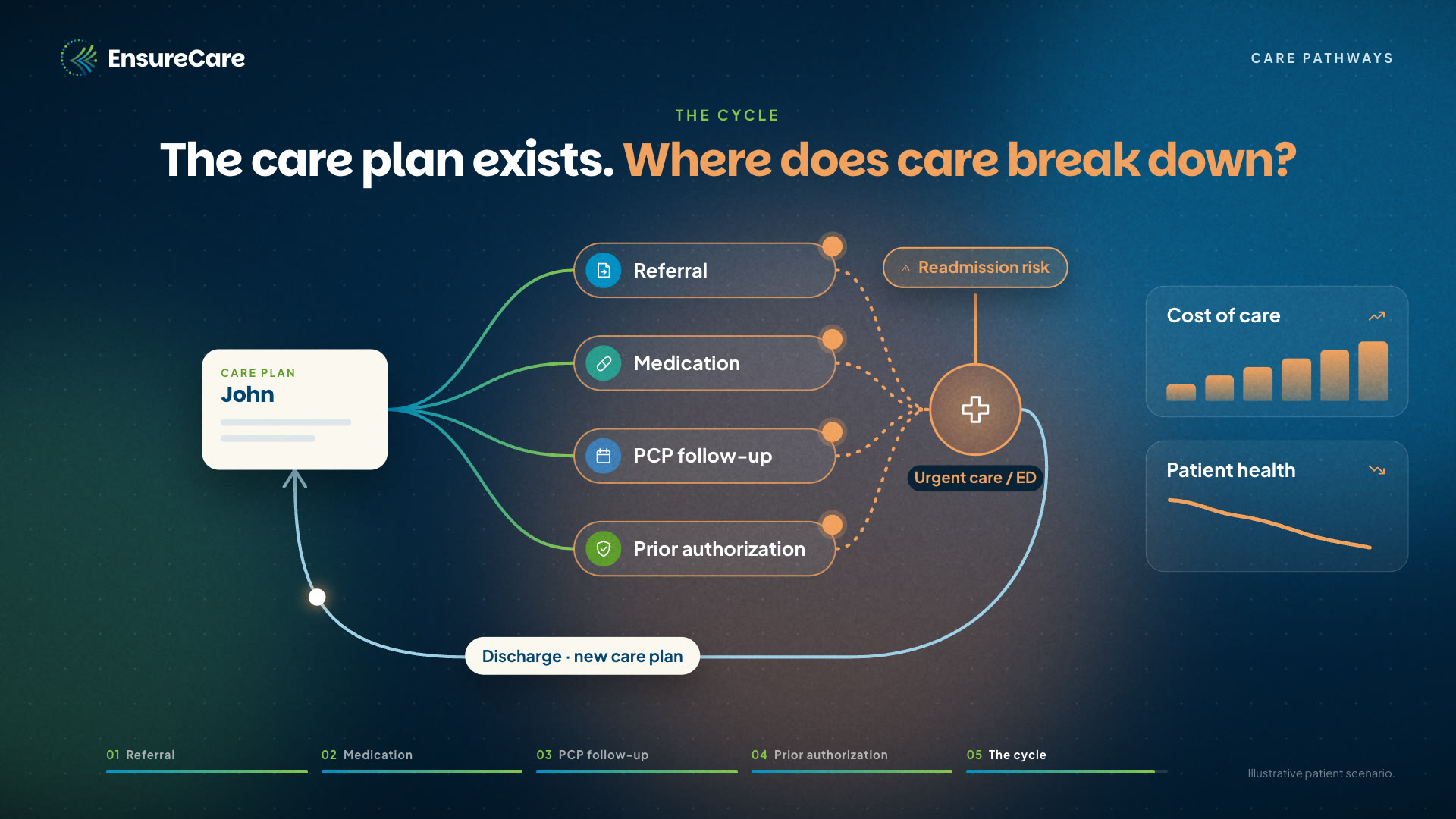 1:25CAIR Platform · VideoWhere care breaks down between visitsOne care plan, four handoffs after the visit: a referral, a prescription, a follow-up, and a prior authorization. See where each can stall and lead to the ED.
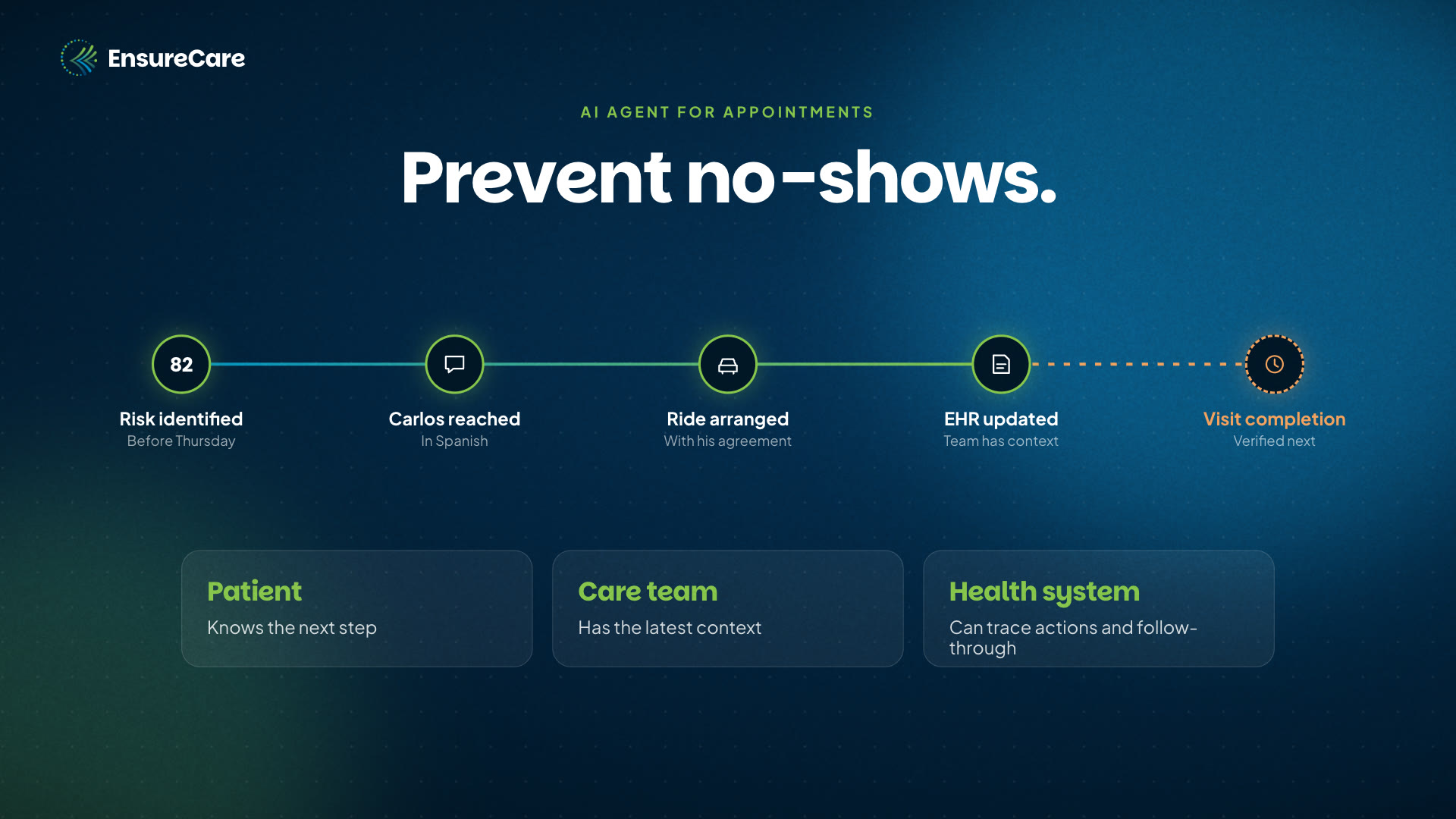 0:40No-show recovery · VideoFrom a missing ride to a kept visitEnsureCare flags a cardiology visit likely to be missed, reaches the patient in Spanish, arranges a covered ride, and updates the care team in the EHR.
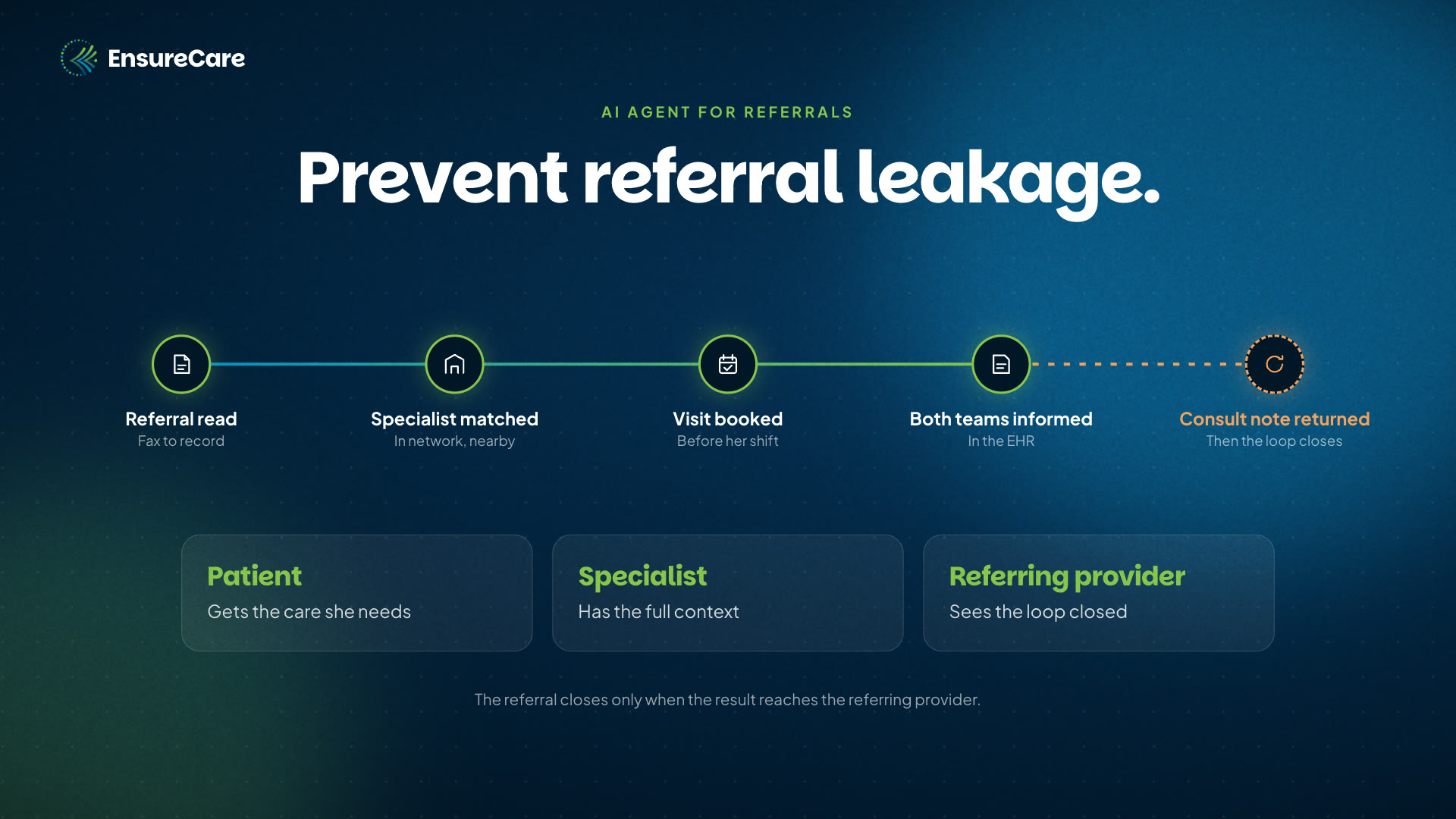 0:40Referral closure · VideoFrom a faxed referral to a completed visitEnsureCare reads a faxed cardiology referral, matches an in-network specialist, books a time around the patient’s work shifts, and returns the consult note.
Bring us one care gap.
Let’s close it together.
Pick an area where your team schedules care but patients struggle to receive it. Join us for a 30-minute walkthrough to see how EnsureCare can close that gap in your care setting.
 EnsureCare
Buy through your cloud marketplace
